
Western Digital WD3200H1U-00 User Manual
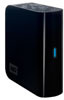
Western Digital WD3200H1U-00 - Essential Edition 2.0 Manual
 |
View all Western Digital WD3200H1U-00 manuals
Add to My Manuals
Save this manual to your list of manuals |
Western Digital WD3200H1U-00 manual content summary:
- Western Digital WD3200H1U-00 | User Manual - Page 1
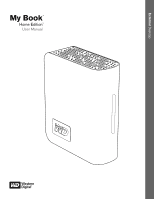
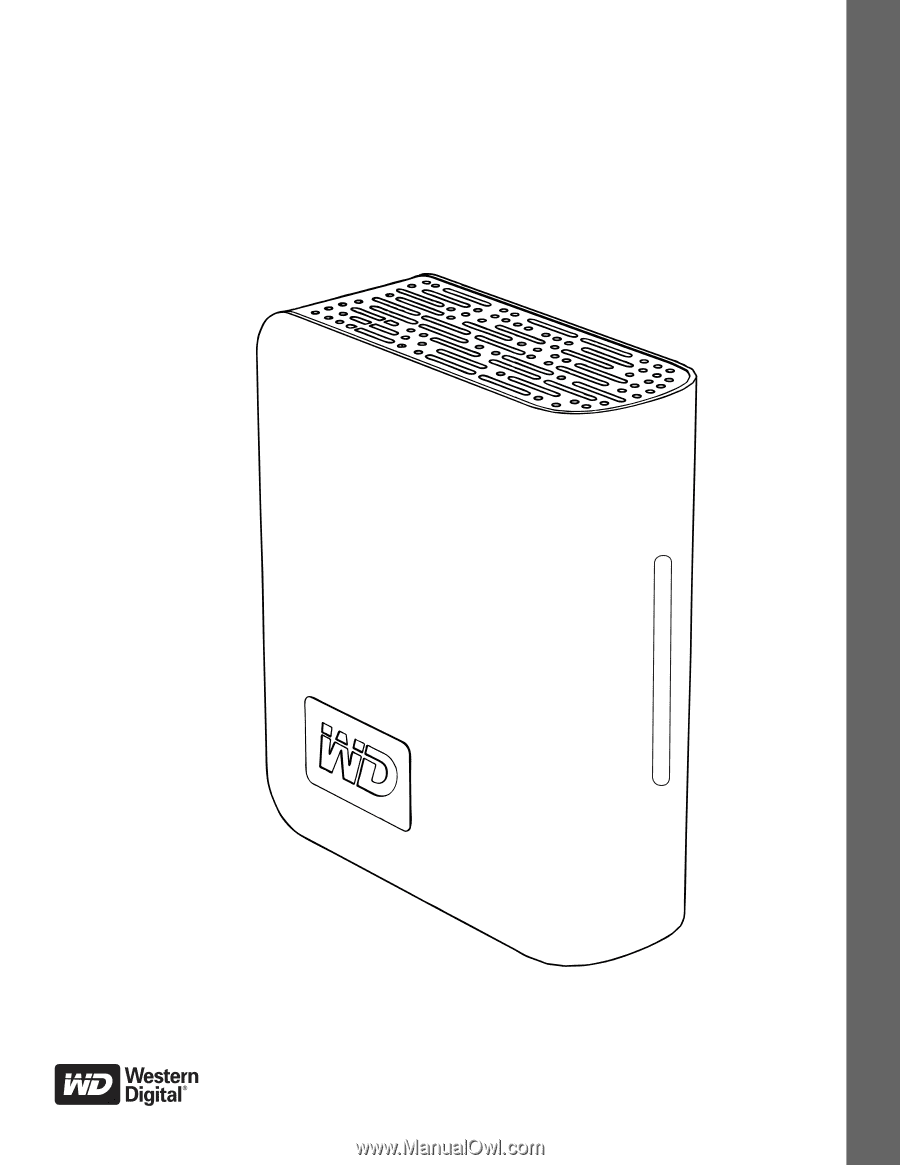
External Desktop My Book® Home Edition™ User Manual - Western Digital WD3200H1U-00 | User Manual - Page 2
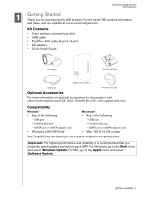
MY BOOK HOME EDITION USER MANUAL 1 Getting Started Thank you for purchasing this WD product. For the latest WD product information and news, visit our website at www.westerndigital.com. Kit Contents • Triple-interface external hard drive • USB cable • FireWire® 400 cable (6-pin to 6-pin) • AC - Western Digital WD3200H1U-00 | User Manual - Page 3
. This information is necessary for setup and technical support. Serial Number: Model Number: Purchase Date: System and Software Notes: Registering Your WD Product Your WD product includes 30 days of free technical support during the applicable warranty period for your product. The 30-day period - Western Digital WD3200H1U-00 | User Manual - Page 4
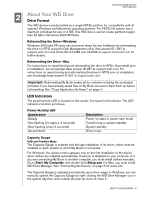
support.wdc.com. For instructions on repartitioning and reformatting the drive to NTFS prior to installation, see knowledge base answer ID 207 at support updated automatically upon drive usage. In Windows, you can manually update the Capacity Gauge by right-clicking the WD Drive Manager icon in the - Western Digital WD3200H1U-00 | User Manual - Page 5
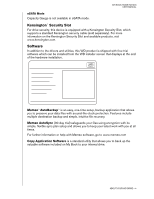
MANUAL eSATA Mode Capacity Gauge is not available in eSATA mode. Kensington® Security Slot For drive security, this device is equipped with a Kensington Security Slot, which supports drivers and utilities, this WD product is shipped with free trial software which can be installed from the WD - Western Digital WD3200H1U-00 | User Manual - Page 6
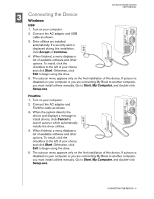
USER MANUAL 3 Connecting the Device Windows USB 1. Turn on your computer. 2. Connect the AC adapter and USB cable as shown. 3. Drive utilities device and displays a message to install drivers, click Cancel to launch autorun which automatically installs the driver utilities. 4. When finished, a menu - Western Digital WD3200H1U-00 | User Manual - Page 7
USER MANUAL eSATA 1. Turn on your computer. 2. Connect the AC adapter and eSATA cable (optional) as shown. 3. Turn on My Book by pressing the power button Turn on your computer. 2. Connect the drive's power cord and USB, FireWire, or an optional eSATA cable. The drive mounts to the desktop and a My - Western Digital WD3200H1U-00 | User Manual - Page 8
USER MANUAL 4 Turning Off/Disconnecting the Device SmartPower™ In USB or FireWire mode, My Book automatically powers off and on with the computer. SmartPower is not available in eSATA mode. Important: To prevent data loss, close all active windows and applications before shutting down the drive. You - Western Digital WD3200H1U-00 | User Manual - Page 9
USER MANUAL Troubleshooting If you have problems when installing or using this product, refer to this troubleshooting section or visit our support Web site at support.wdc.com and search our knowledge base for more help. How to Answer ID „ install, partition, and format the drive in Windows XP - Western Digital WD3200H1U-00 | User Manual - Page 10
limited user-serviceable products and the specific alteration is within the scope of the applicable instructions, as found at support.wdc.com), accident or mishandling while in the possession of someone other than WD. Subject to the limitations specified above, your sole and exclusive warranty shall
-
 1
1 -
 2
2 -
 3
3 -
 4
4 -
 5
5 -
 6
6 -
 7
7 -
8
-
9
-
10
 |
 |
External
Desktop
My Book
Home Edition
User Manual
®
™